Cost estimate
Price the new pipes — with their fittings, bends and excavation — from your own unit prices, then export the bill of quantities and the investment schedule.
Load your unit prices
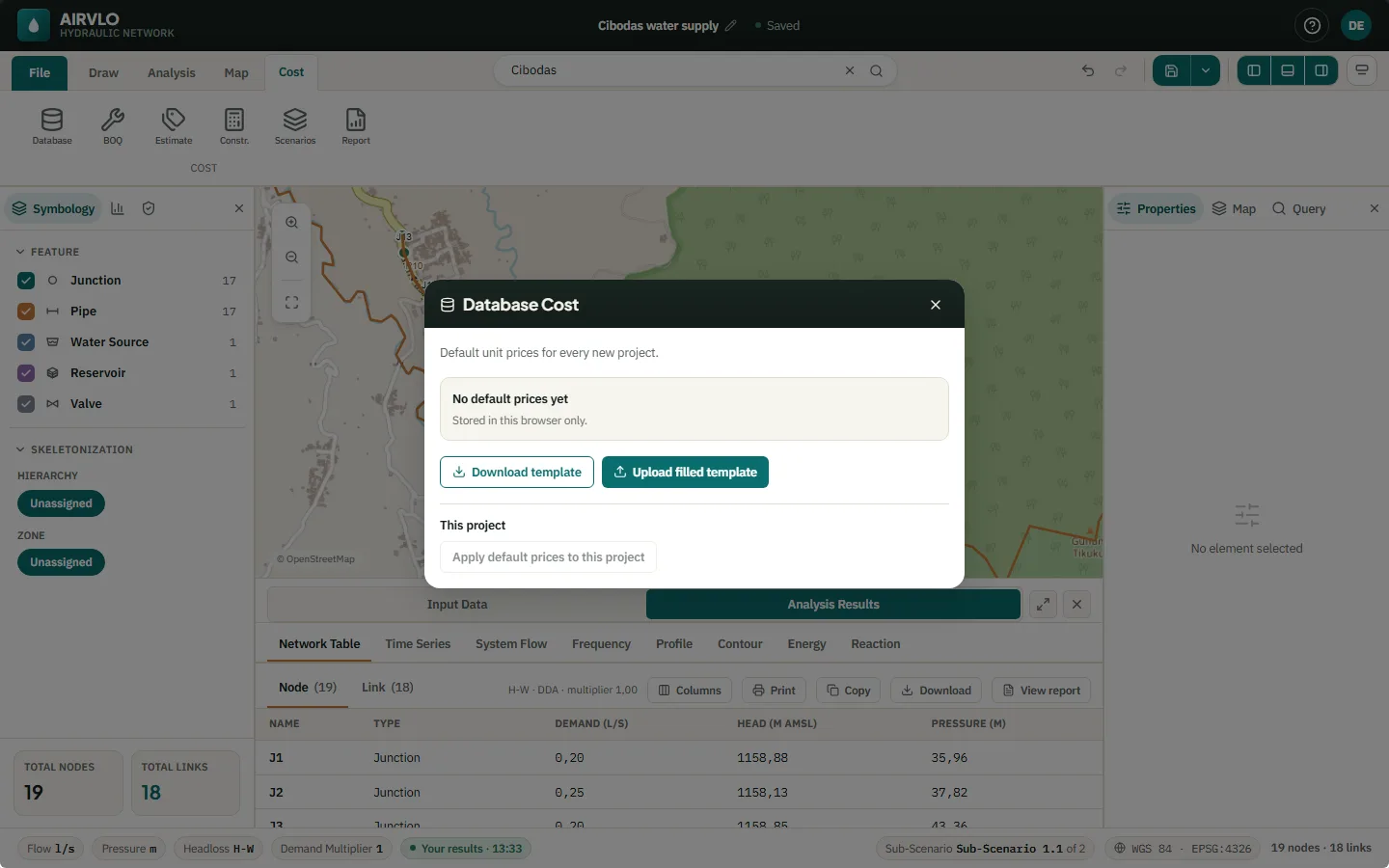
- On the Cost tab, press Database, then Download template (.xlsx).
- Fill in your prices and press Upload filled template. They become the default prices for every new project.
- For a project that is already open, press Apply default prices to this project.
The default prices are stored in this browser only. Prices are never converted between currencies: a template in another currency is imported as is only when you confirm it.
From quantities to cost
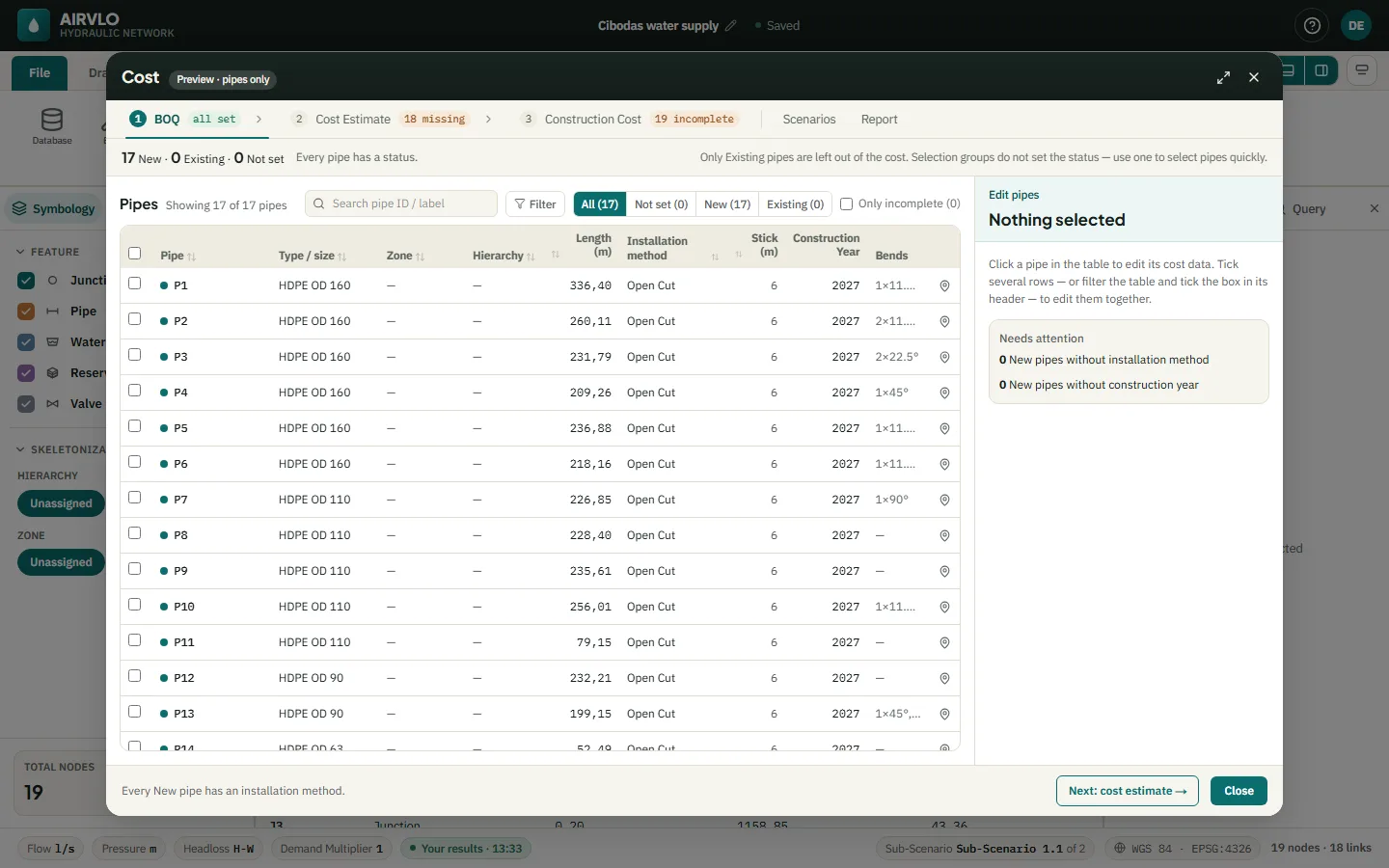
The other Cost buttons open one window with three numbered steps:
- BOQ — every pipe with its type and size, length, installation method (Open Cut, Manual Jacking, HDD or Microtunneling), construction year and bends. Mark pipes as New or Existing; only existing pipes are left out of the cost.
- Cost Estimate — currency, stick length, excavation and sand bedding, and how accessories are priced: as a markup or counted from the drawing.
- Construction Cost — the priced bill of quantities. Add row adds your own items; export it as .xlsx.
Scenarios splits the cost by selection group, zone, hierarchy or construction year. Report shows the investment per construction year and exports it as .pdf or .xlsx.