Account & settings
Units, project defaults, your password and where to find help.
Settings
Open File › Settings.
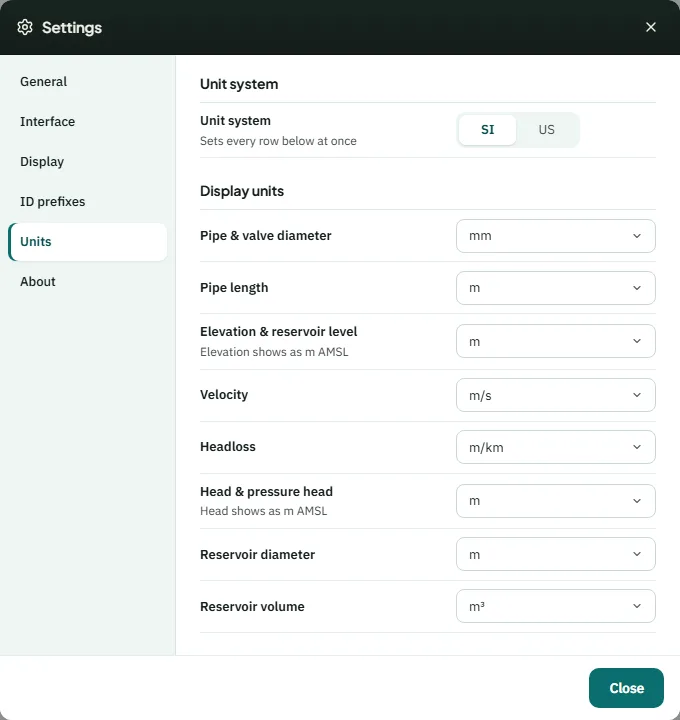
- General — reopen the project setup, the high-demand warning and the default burial depth per hierarchy.
- Interface — hover labels, Confirm before deleting, and the drawing cursor and its size.
- Display — decimal separator, decimal places and the map background.
- ID prefixes — the letters for new elements: J, W (Water Source), R (Reservoir), P, PU and V.
- Units — SI or US, and the unit for each quantity. The flow unit is set in Analysis › Options.
Your account
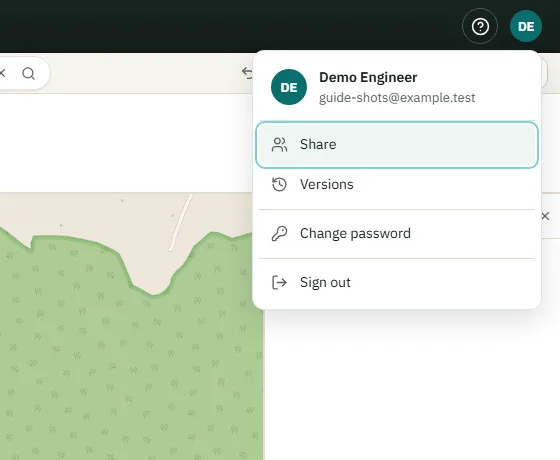
Your initials at the top right open the account menu: invitations waiting for you, Share and Versions for the open project, Change password and Sign out. Changing your password signs you out on other computers.
Help and the welcome tour
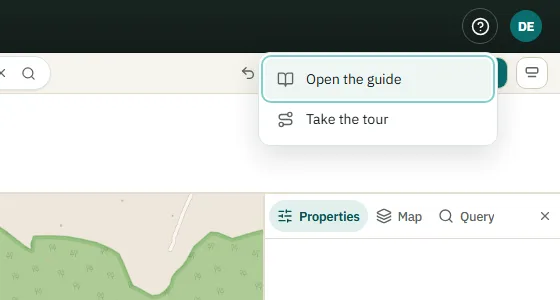
The ? button at the top right — or next to the logo on Start — has Open the guide — this page — and Take the tour, a short walk through the screen you are on. Press Esc or Skip tour to leave it at any time.